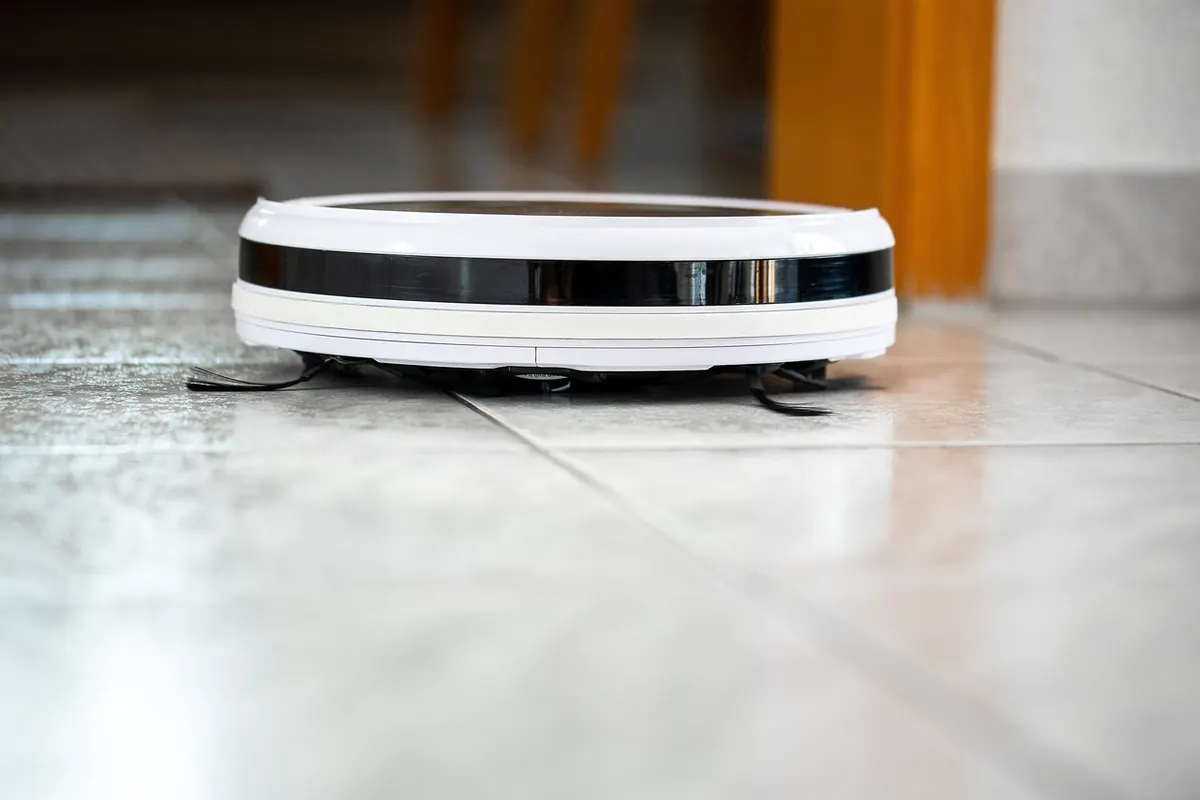
Your robot vacuum will happily map, sweep and mop its way around the house for months, as long as you give it about fifteen minutes of attention every few weeks. Skip that attention and the symptoms creep in slowly: shorter runs, weaker suction, a faint grinding noise from somewhere under the couch, and a dock the robot suddenly can't find. None of it is mysterious. Nearly every robot vacuum fails for the same handful of reasons — hair-packed brushes, clogged filters, smeared sensors, and a battery living in the wrong spot. Here's a monthly routine that covers all of it, with no disassembly and no tools beyond a pair of scissors, a microfiber cloth and a replacement filter on the shelf.
1. Dustbin and Filter Care
Empty the bin after every run if you can, but once a month, give it a proper wash. Pop the bin out, open the lid over a trash can, and tap it gently rather than shaking it — a hard shake sends a cloud of fine dust back into the room you just cleaned.
Rinse the bin with lukewarm water. No soap needed, and no dishwasher. A soft brush gets the compacted dust out of the corners where it likes to cement itself.
Now the filter, which matters more than most people think. A clogged filter starves the motor and drops suction across the whole machine. Tap it against the inside of the trash can to knock out loose dust, then rinse it under lukewarm water. Some are washable, some aren't — check your manual or the markings on the filter before you get it wet.
Two rules apply to every filter:
- Dry completely. Twelve hours minimum, twenty-four is better. Reinstalling a damp filter invites mold and can push moisture toward the motor.
- Replace on schedule. A washable pre-filter lasts a couple of months with regular care; HEPA-style filters usually need replacing every six to twelve months, sooner in a home with pets or heavy dust.
2. Brushes, Bearings and the Side Brush
Hair is the number one killer of robot vacuums, and it hides in the same three places every time. Flip the robot over and work through them:
- Remove the roller cover and lift out the main brush.
- Run scissors along the bristles to cut the hair wrapped around the length of the roller, then slide it off in one piece.
- Pull off the end caps if your model allows it, and clear the hair twisted around the axle. A seam ripper reaches into that gap better than fingers do.
- Check the side brush. If the bristles splay outward like a tired paintbrush, replace it — a bent side brush just pushes debris around instead of sweeping it in.
Spin the main brush by hand. It should turn with light resistance and no wobble. And don't wash a roller that has metal bearings inside; the bearings rust, and the noise that follows is unmistakable.
3. Sensors, Camera and Charging Contacts
Sensors are why your robot knows not to fall down the stairs and why it finds its dock. They also collect a film of dust that builds up invisibly.
Wipe the cliff sensors on the underside, the bumper strip, the wall sensor on the side, and the camera or LiDAR tower with a dry microfiber cloth. For stubborn smudges, a barely damp cloth works; never spray liquid directly onto the robot.
Cleaning contacts deserve attention too. A cotton swab with a dab of isopropyl alcohol — if your manual permits it — removes the grime that stops the robot from charging properly. While you're there, wipe the metal pads on the dock and check the dock area itself for tangled cables or a buildup of dust.
4. Wheels, Caster and Suspension
The little front caster is a hair magnet, and when it stops swiveling freely the robot starts dragging a wheel and drifting off course. Pop it out if your model allows, unwind whatever is wrapped around the axle, and press it back in.
Check the two drive wheels next. Lift each one; it should move up and down against its spring and spin without grit grinding inside. Resist the urge to lubricate them. Most use sealed bearings, and oil or spray lubricant only attracts more dust.
5. Battery Habits That Add Years
Lithium batteries age fastest when they sit hot, full, or completely empty. For a robot in daily use, keeping it on the dock is fine and convenient. If you'll be away for a month or more, charge it to roughly half, unplug the dock, and store the robot somewhere cool and dry. Recharge it every couple of months so it doesn't drain to zero.
Avoid parking the dock in direct sunlight or against a radiator, and don't run the battery flat out of habit. When runtime eventually drops to a fraction of what it was, replace the pack with one your manufacturer recommends rather than a no-name bargain.
6. Firmware, Maps and App Housekeeping
Fifteen minutes is enough time to install the firmware update sitting in your app, and it's worth doing — updates often fix navigation quirks. Rebuild the map if your robot keeps bumping into a doorway that no longer exists, delete phantom rooms, and clear any no-go zones you no longer need.
Reset the maintenance counters for brushes and filters so the reminders stay useful, and if you have an auto-empty dock, check the bag: seal it properly, and replace it before it's packed solid.
The Monthly Checklist
Pin this to the first weekend of the month and it takes about fifteen minutes start to finish:
- Empty, rinse and fully dry the dustbin.
- Tap and rinse the filter; replace it if it's due.
- Cut hair from the main roller, axle and side brush.
- Wipe all sensors, the camera and the charging contacts.
- Free the caster and check both drive wheels.
- Check the dock, dust bag and storage temperature.
- Install updates and tidy the map.
Between monthly sessions, keep one habit going: empty the bin and glance at the brush after every run. Do that, and the monthly job stays a quick wipe-down instead of a rescue mission. Your robot will run longer, clean better, and complain far less — which is really all any of us want from a machine that does the floors for us.
Photo: ed_rsnhr / Pixabay